
Opera
Opera is a free web browser for Windows from Opera Software. The stable release is 136.0.6008.22, published on 17 September 2026.
133.1 MB

Waterfox is a free, open-source web browser for Windows based on Mozilla Firefox, also available for macOS, Linux and Android.
Average 0.0 · ratings: 0
Thank you! Your rating is saved; you can change it. Could not save the rating. Please try again later. Too many ratings from your network today. Please try again tomorrow. The average appears after 5 ratings.
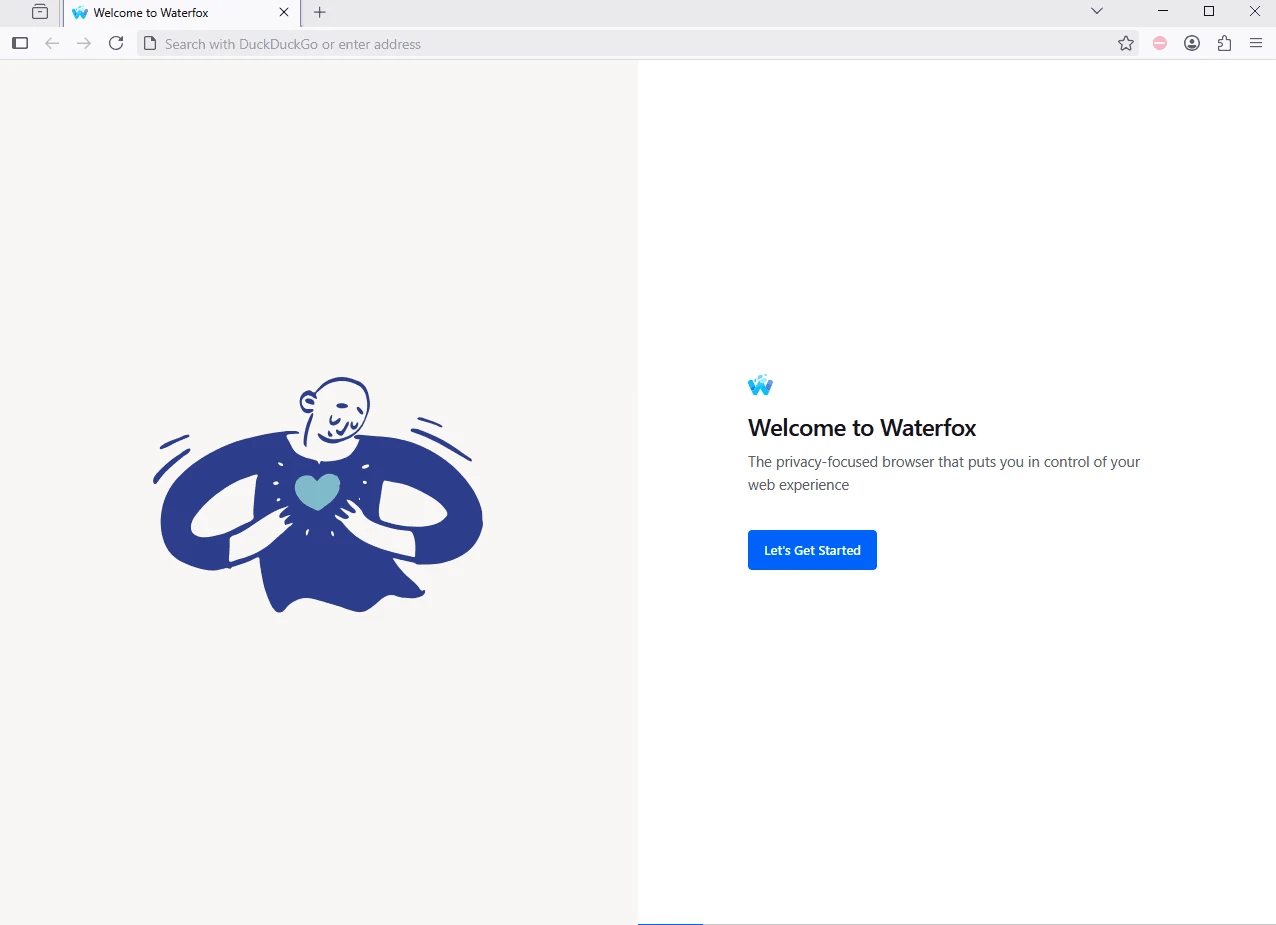
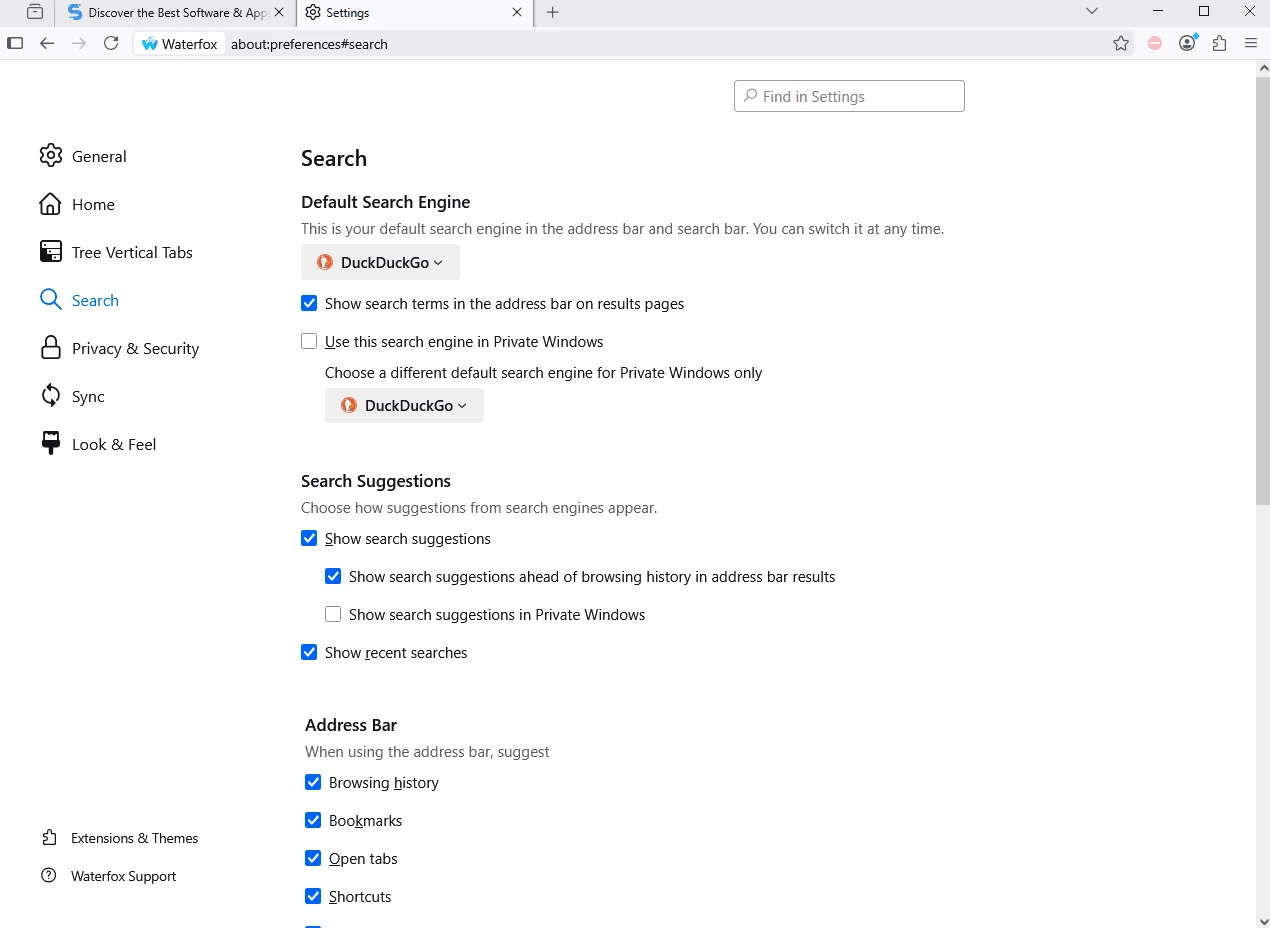
Waterfox 6.7.4 is a free, open-source web browser for Windows based on Mozilla Firefox. It keeps the familiar Firefox foundation while following its own direction, and you can download Waterfox from the official website; versions also exist for macOS, Linux and Android.
Waterfox is an independent project that builds a browser from Firefox's source code. Because it shares that foundation, websites behave as they do in Firefox, and much of what Firefox users know carries over. The project releases updates frequently: version 6.7.4 arrived on September 22, 2026, only weeks after the two previous builds, which shows that security fixes from the Firefox base reach Waterfox users quickly. The code is published on GitHub under the Mozilla Public License, version 2.0, so anyone can inspect it. People who pick Waterfox usually want a Firefox-style browser with a different set of defaults and a smaller organisation behind it. If you are happy with Firefox itself, there is little reason to switch; if you want an alternative that keeps the same engine, Waterfox is one of the established options.
| Item | Details |
|---|---|
| Version | 6.7.4 (September 22, 2026) |
| Based on | Mozilla Firefox |
| Licence | Mozilla Public License, version 2.0 |
| Systems | Windows, macOS, Linux, Android |
| Written in | C++, C, JavaScript, CSS, XUL |
| Size | about 101.10 MB according to catalogue data |
Release notes for every version are on the Waterfox changelog, and the source code lives in the BrowserWorks/Waterfox repository.
Because Waterfox is built on Firefox, many Firefox add-ons can be used. Install only extensions you really need, from their official store pages, and remove those you no longer use: extensions see a lot of what you do in the browser.
Switching is easiest when you keep your old browser installed for a while. Import bookmarks first, use Waterfox for everyday browsing for a week or two, and only then move saved passwords. Sign in again to the sites you use most and check that online banking, webmail and work tools behave as expected. If you use Firefox Sync today, find out whether it fits your plans before relying on it in a Firefox-based browser.
Keep automatic updates on, since frequent releases only help if they are installed. Download Waterfox only from waterfox.com or the official Google Play listing for Android. Use a password manager and check the privacy settings after major updates.
Our listings include Mozilla Firefox and Firefox ESR, and LibreWolf and Pale Moon, other web browsers for Windows.
Opera is a free web browser for Windows from Opera Software. The stable release is 136.0.6008.22, published on 17 September 2026.

UC Browser for Windows is the desktop version of the web browser from UCWeb, a Chinese mobile internet company.

Google Translate is Google's multilingual machine translation service, used on Windows through the website and a browser extension.

Microsoft Edge is Microsoft's web browser, preinstalled on current Windows versions and available as a free download for reinstalling or updating.

Mozilla Firefox is a free and open-source web browser developed by Mozilla, available for Windows, macOS, Linux, Android and iOS.

Google Chrome is the free web browser from Google. The stable Windows release is 154.0.8037.58, out since 22 September 2026.

Cent Browser is a free Chromium-based browser for Windows from Cent Studio that adds mouse gestures, tab tweaks and other power-user options.